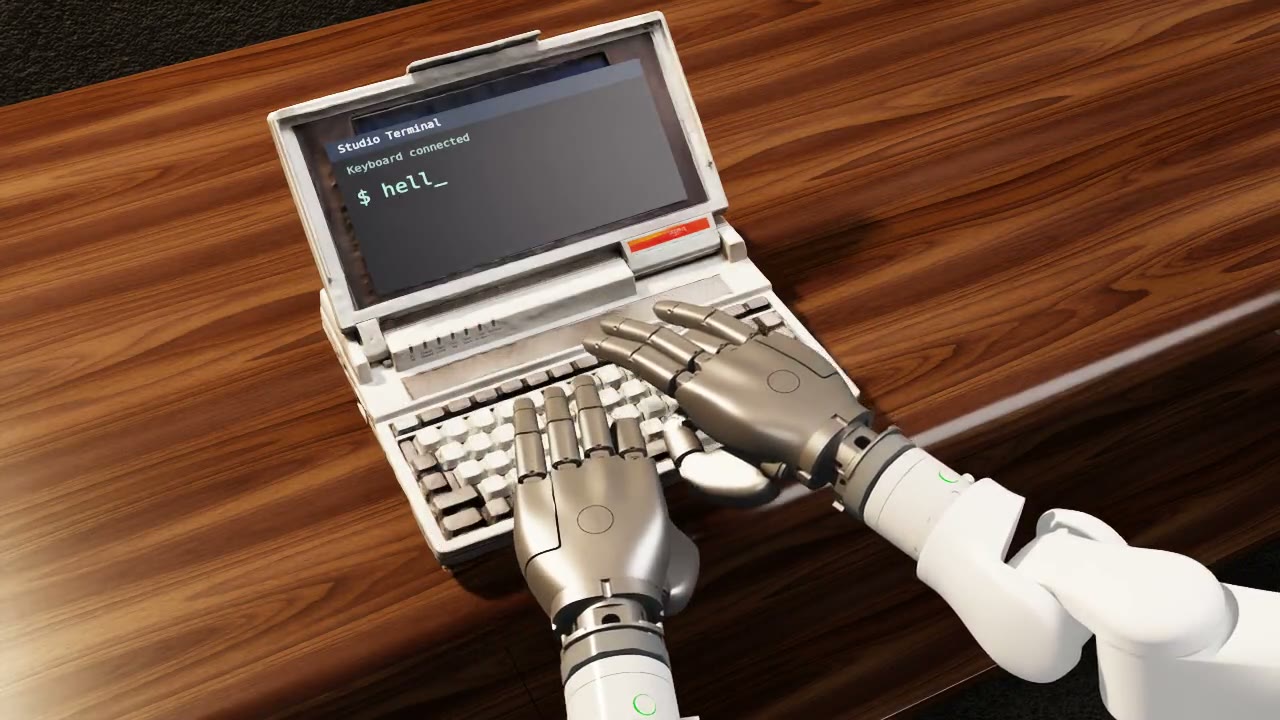
Real-to-sim
Real-to-sim from a 3D scan
Real-to-sim turns a capture of a real place into a scene a robot can work in. SceneAgent finds each object in the capture. It predicts each object's physics and gives moving parts their joints.
What real-to-sim means
Real-to-sim builds a simulation from a real place. You start with a capture of a room. You end with a scene in which a simulated robot can pick things up and open them.
A capture alone does not do this. A Gaussian splat or a scanned mesh is one continuous surface. It has no separate objects. Nothing in it has a mass, and no door in it has a hinge.
With SceneAgent, a coding agent runs the conversion for you. SceneAgent splits the capture into objects and predicts physics for each one. It adds joints to the parts that move and packages the scene as USDZ.
Real-to-sim is the reverse of sim-to-real. Sim-to-real takes a policy trained in simulation to the robot. Real-to-sim brings the robot's real surroundings into the simulation first.
From capture to scene
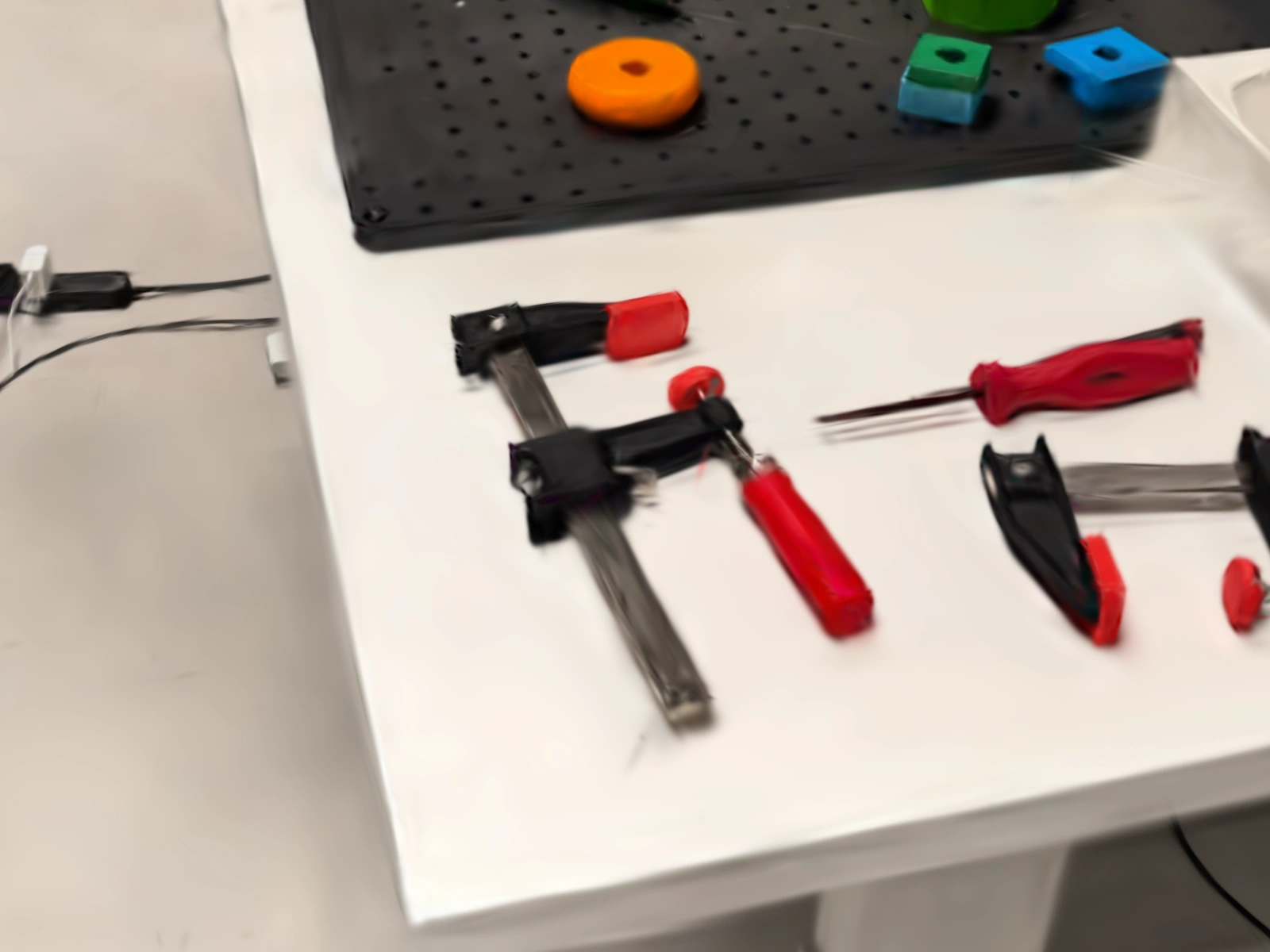
Four steps take a capture to a scene you can load. The clamp on our lab bench goes through each one.
- 01
Capture the place
Record the room with a phone, a LiDAR scanner or a capture rig. SceneAgent takes RGB video or photos, an existing Gaussian splat, photogrammetry or a LiDAR scan.
Our lab was captured as 3D Gaussians. The red-handled clamp on the white table is object 1244 in that capture.
- 02
Upload it to SceneAgent
Your coding agent uploads the capture over MCP. SceneAgent then runs six passes on it.
The first pass converts the input to 3D Gaussians. The next two label every Gaussian with GroundingDINO and SAM and predict its physics. Then SceneAgent splits objects into parts and adds joints. The last pass generates object sisters, which are variations of each object.
- 03
Review what came back
Every object gets a physics record. It lists material, mass, density, friction, restitution and rigidity, with a confidence score. It also names a collision shape and says whether the object moves.
While the job runs, your agent sees review images and gate results. It can send a correction, such as a wrong part grouping or a missing joint. When the job is done, open the scene in your browser and check it object by object.
- 04
Export and run it
SceneAgent packages the scene as USDZ for Isaac Lab, MuJoCo, Unreal Engine and other simulators.
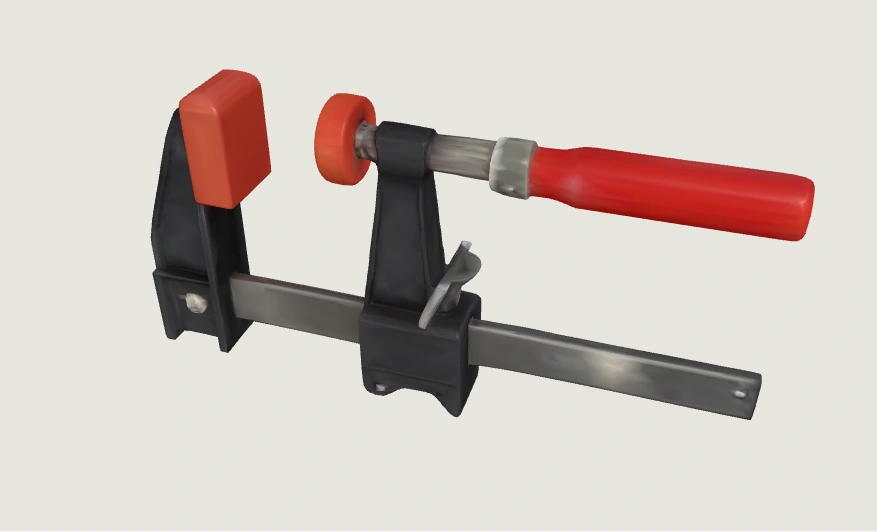
In the lab scene, a robot with two Sharpa Wave hands grips the clamp with all five fingers of each hand. The right hand turns the screw. Material values in this scene are estimates. They have not been calibrated against the real clamp.
- Input
- RGB video or photos, 3DGS, photogrammetry, LiDAR
- Objects
- Separate, each with a collision shape
- Physics
- Predicted for each object
- Joints
- On the parts that move
- Output
- USDZ
- Runs in
- Isaac Lab, MuJoCo, Unreal Engine
Load it in Isaac Lab or MuJoCo
Isaac Lab runs on Isaac Sim, and both read USD. Open the USDZ in Isaac Sim to inspect it. Reference it from an Isaac Lab task to train or test a policy there.
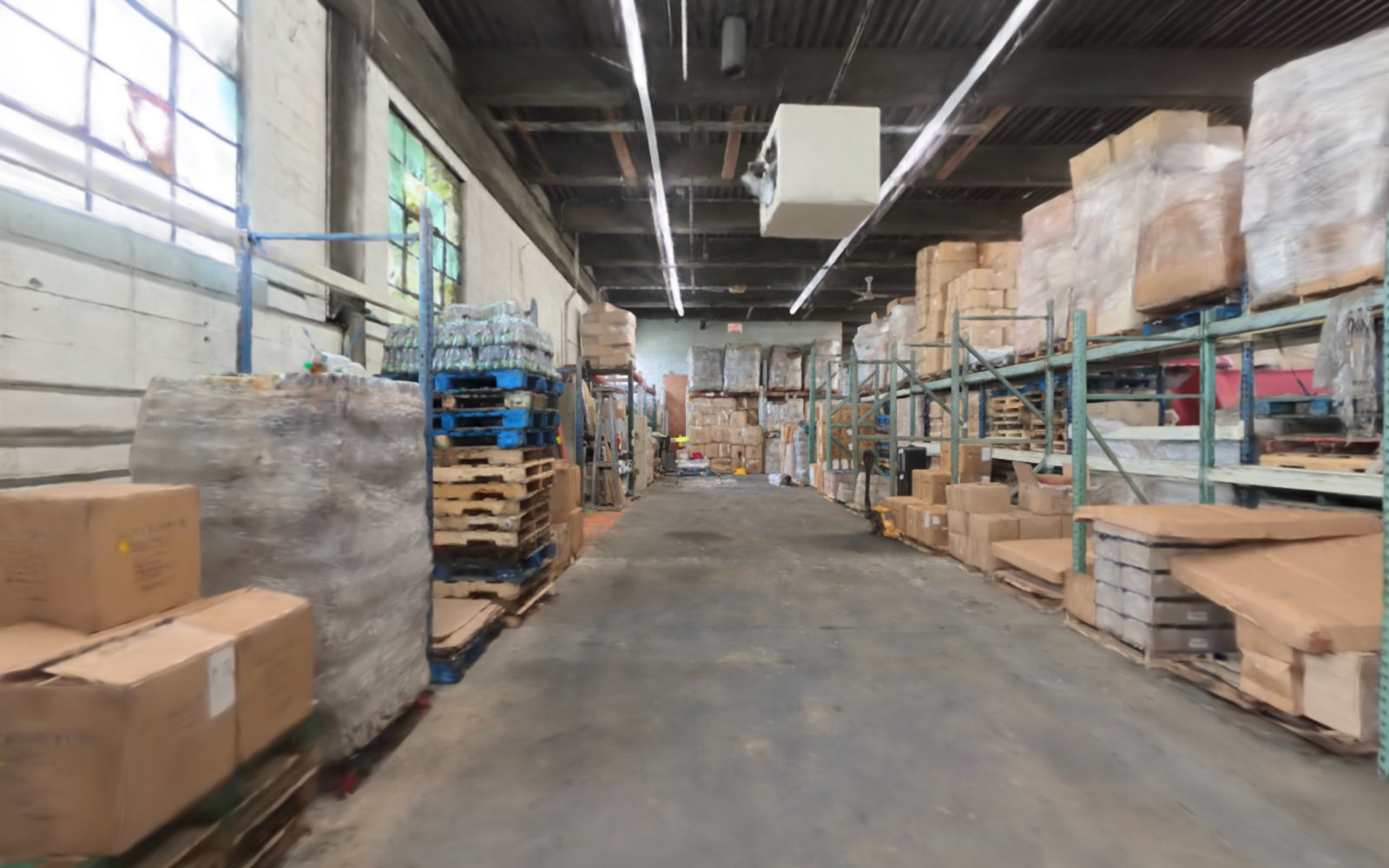
Each object keeps the place it had in the capture. Its record says whether it is dynamic or static. In the warehouse, 65 objects are dynamic and 6 are static.
The greenhouse scene ran in MuJoCo at 1,000 steps a second. A five-fingered hand lifted a flower out of a glass of water by contact alone. That scene's physics values were set by hand, not predicted.
Example scenes
Four converted places are open in the browser. Each card opens its scene in 3D.
- 01
Warehouse
A capture from Niantic Spatial's Places Library. The annotations list 71 separated objects, each with predicted physics. Of these, 26 are cardboard boxes and 16 are shrink-wrapped loads.
The plastic bucket (object 5) has a predicted mass of 1.73 kg. Its static friction is 0.54.
- 02
Kitchen (Nucleus4D)
A PortalCam capture of a house by Nucleus4D. The kitchen holds 25 converted objects, from bar stools to wine glasses.
In the 12-second replay, a simulated Dexmate stirs at the stove and carries a dish to the sink.
- 03
Greenhouse
A greenhouse and a Rudbeckia flower, both from 3D captures. A Sharpa Wave hand on a Panda arm cups the bloom and lifts it out of a glass of water.
This is the one scene here without predicted physics. Its values were set by hand for the MuJoCo run.
- 04
Observatory
A Matterport scan of the campus observatory, with 29 annotated objects. The dome shutters, the wall controls and the telescope's mount move.
A Dexmate with two Sharpa Wave hands runs the opening routine in 99 seconds. The physics values are estimates and have not been calibrated against the real room.

Numbers from the scenes and the job posts
- 71separated objects with predicted physics in the warehouse scanwarehouse annotations.json ↗
- 25converted objects with predicted physics in the Nucleus4D kitchenkitchen annotations.json ↗
- 4 of 25simulation job posts read on 26 November 2026 use the words real-to-sim or Real2Sim. Dyna Robotics' Research Scientist post is one.Dyna Robotics job post ↗
- 20 of 25of the same posts ask the engineer to close or check the sim-to-real gap against real data. Agility Robotics' simulation post is one.Agility Robotics job post ↗
Questions
What is real2sim?
Real2sim, or real-to-sim, builds a simulation from data about a real place or object. The data is usually a 3D capture, such as a Gaussian splat, a phone video or a LiDAR scan. The result is a scene with separate objects that a simulator can move.
What is the difference between real-to-sim and sim-to-real?
Sim-to-real moves a policy trained in simulation onto a real robot. Real-to-sim moves the real world into simulation. Teams often use both. They build the scene from the real site, train or test in it, then check the result on the robot.
What can I capture a room with?
SceneAgent takes RGB video or photos, an existing 3D Gaussian splat, photogrammetry or a LiDAR scan. Scenes on this site include an iPhone capture, a PortalCam capture, a Matterport scan and a splat from Niantic Spatial's Places Library.
Can I use the scene in Isaac Sim?
Yes. SceneAgent packages the scene as USDZ. Isaac Sim reads USD, and Isaac Lab runs on Isaac Sim. The same package is meant for MuJoCo and Unreal Engine.
How accurate is the converted scene?
On a cluttered bin from GraspClutter6D, the best SceneAgent run scored an F1 of 60.75% at 1 cm against a scan of the objects. SimFoundry scored 6.9% on the same test. Physics values are predictions with a confidence score. They have not been calibrated against the real objects.